

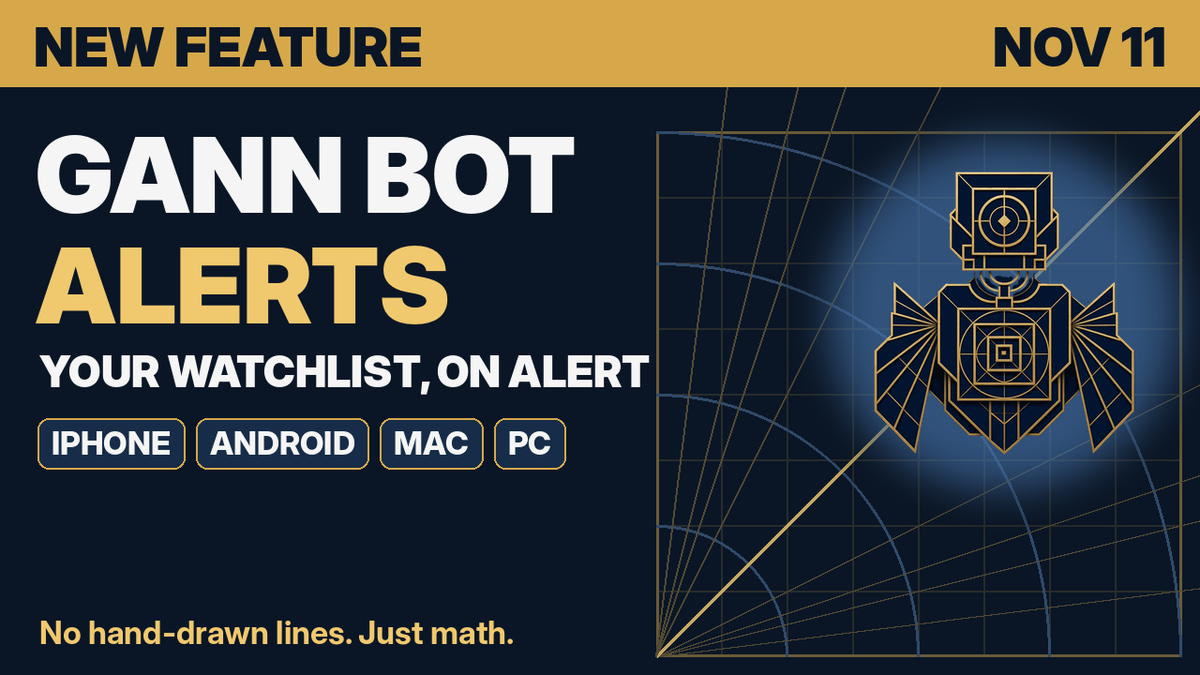
Gann Bot is now an app you can install on your phone or computer, with no app store and no download. It opens in its own window with its own icon, just like any other app.
The big new feature is push alerts. Instead of checking charts all day, you get a notification when price reaches a Gann level:
🔔 Your watchlist at support or resistance
When a stock or coin on your watchlist in Gann Lab reaches a major Gann Square level (a grid line, a main arc or the 1x1).
🏆 Top 5 stocks and coins
When one of the five biggest by market cap shows up on the Support or Resistance Scanner.
Tap an alert and Gann Lab opens on that chart, zoomed in on the level. If several tickers hit at once, you get one alert with a list of all of them, and you can tap each one in turn.
How to set it up
Tap Get the app (or find the button at the bottom of any page on gannbot.com):
- iPhone: in Safari, tap Share → Add to Home Screen. Then open Gann Bot from your Home Screen and tap Alerts → Turn on alerts. (iPhones only allow alerts from the Home Screen app.)
- Android, Mac or PC: tap Get the app → Install, then Alerts → Turn on alerts.
Tap Send me a test to make sure it works. You can switch each alert type on or off in the same panel.
Already a member? Your alerts follow your watchlist, so open Gann Lab and add the tickers you care about.
Not a member yet? Alerts come with every paid plan, along with every chart in Gann Lab, Gann Bot's answers, and the Support and Resistance Scanners across 2,500+ stocks and the top 250 coins.
If anything doesn't work on your device, just reply and tell me which phone or browser you're on.
TGM
Gannbot is educational market analysis. Nothing here, including Gann Bot's answers, is financial advice or a recommendation to buy or sell.